
Workfront Unplugged
Adobe had put us in a bit of a pickle. Workfront was working hard to strengthen our partnership with Adobe. My last project had just been EOL’d to clear the way for the integration of a comparable Adobe product. Now they were telling us another project, our Creative Suite plugin, was about to break because they were completely replacing their back-end. Thus the question, was it worth it to re-build our plugin from the ground up, or should we let it die too?
It became my job to find the answer.
Workfront Who?
 Workfront is an enterprise-level work management platform. Task management tools keep individual contributors aligned and organized, and executives get up-to-the-minute understanding of progress on high-level goals and OKRs.
This plugin targets individual contributors working in the Adobe Creative Suite. They need to both access requirements and feedback, and submit their work for feedback and approval. Our primary objective: Keep the creative in their creative tools to reduce productivity-crushing context switching.
Catalyst
Back-end system deprecation
Business Reason
Forge tighter bonds with Adobe
Customer Need
Reduce inefficient context switching
The Bad News
The research did not look good for our little plugin. We found scant use among the few users. Interviews with users and former users uncovered three major hurdles:
creatives felt the plugin was mostly serving their bosses because it was primarily a data input tool with little output
usability issues, like disconnected actions and poor labeling, made the plugin frustrating to use
overuse of links in the plugin led to even more context switching than if they just used the web app
The Good News
Adobe was making the transition worthwhile. All Adobe apps would adopt the same plugin back-end, so building the plugin once meant it would eventually work in all Creative Suite apps. It turns out, Workfront really, really wanted to be friends with Adobe, so it was seen as a good-faith effort to that end. In talks with customers, there was still an apparent appetite for the right solution to this problem. To keep them focused in their creative software they needed a bare minimum of three things:
- a clear task list with complete task requirements
- access to discussion and feedback about their work
- more apparent approval statuses
Knowing now where to focus our attention, full steam ahead!
Feedback Loop
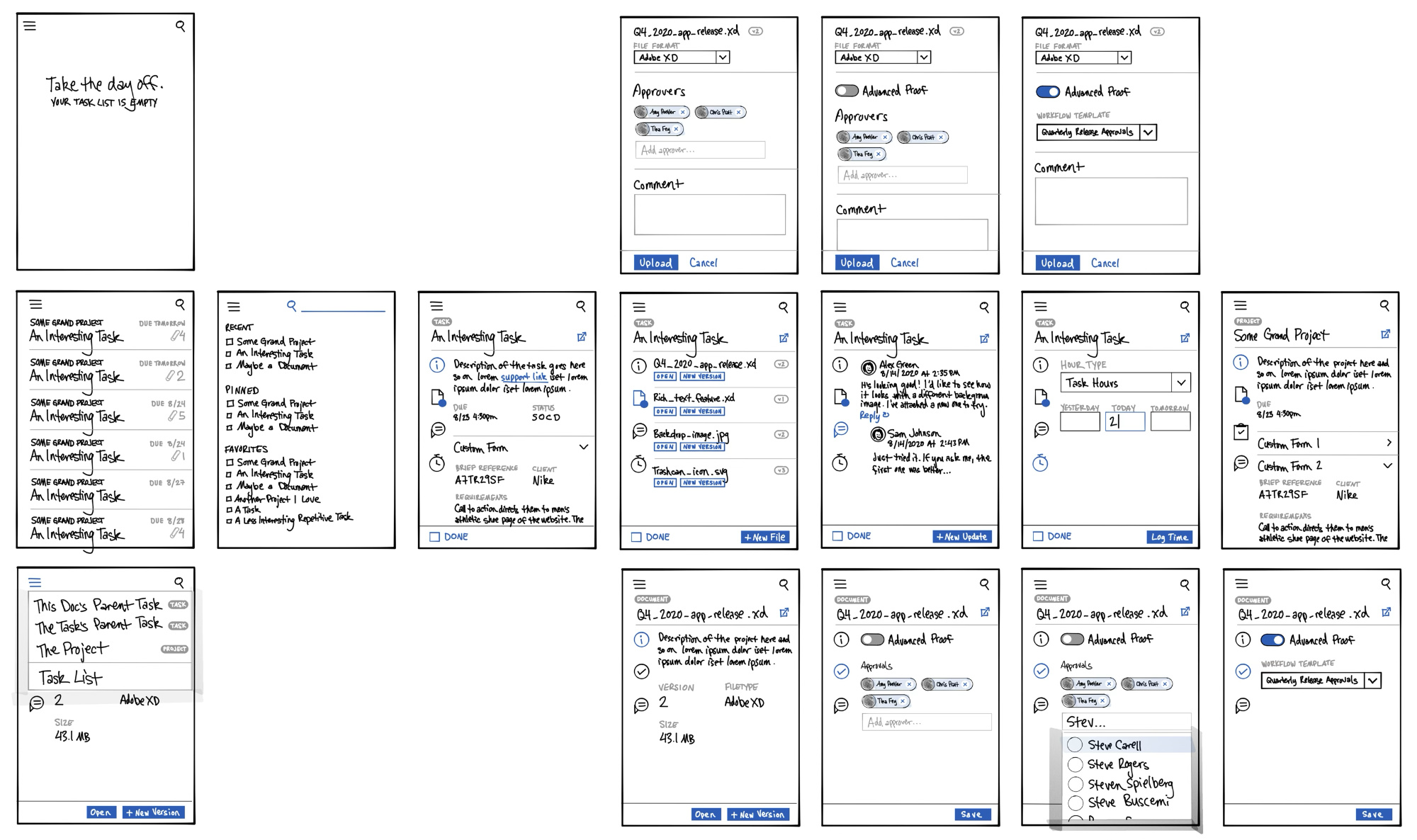
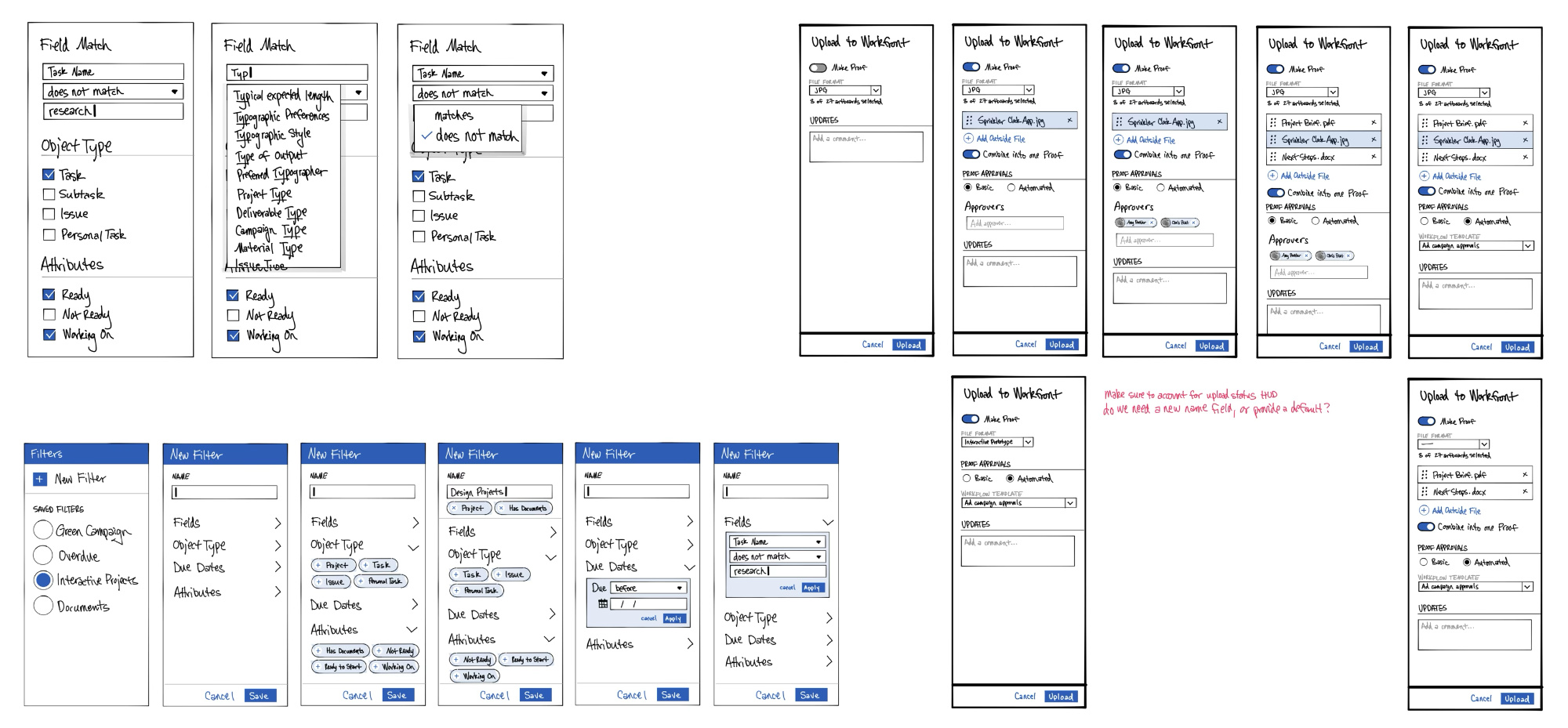
I had tight feedback loops at every phase. I did gobs of sketches, and got great feedback. Then put some early mockups up on User Testing and got some great feedback. Then put my final mockups together and got some great feedback. Then made a fully interactive prototype and got some great feedback.
A Designer That Codes
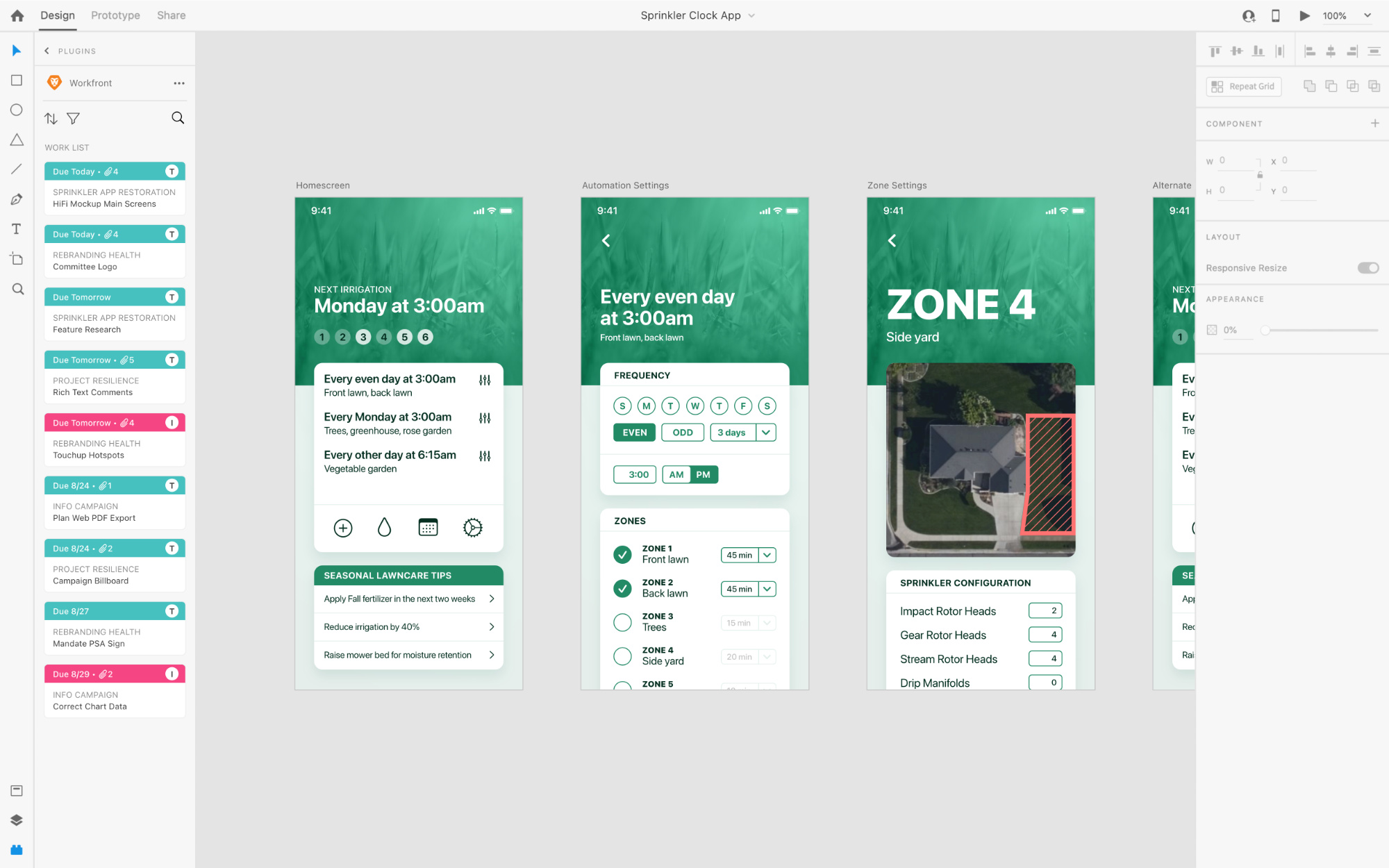
I put myself in a bit of a bind with the interactive prototype. My design frames encapsulated only the plugin UI. But the full test needed to involve interaction as embedded in Adobe XD (may it rest in peace). I didn’t want to create or maintain a second prototype, so I leaned on skills I’d developed in my past life as a front-end developer. I created an interactive shell to look like XD that embedded my prototype and programmed some light interaction between them. It worked like a charm.
Findings
It’s amusing to discover all the places my assumptions are flat-out wrong. Watching a user stumble over a bad design is so revealing. In all of these various stages of testing, here’s what I learned:
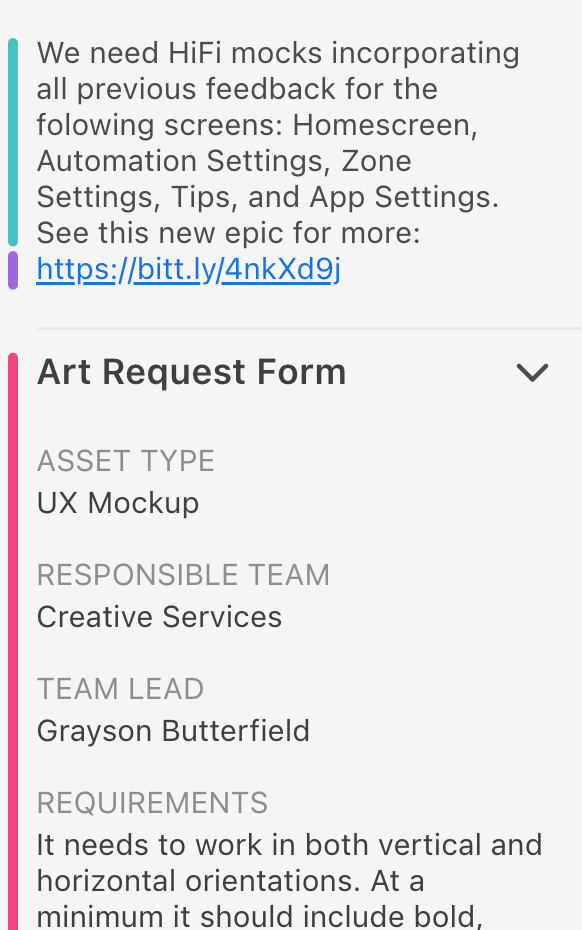
The description field is actually not the most common place to store task requirements. Custom forms, and outside documents like Google Docs usurped it, so we had to support all three.

The original placement of my hierarchical navigation was unfindable for most. I moved it to the main info tab which not only made navigation obvious, but by exposing the hierarchy also served an informational purpose.
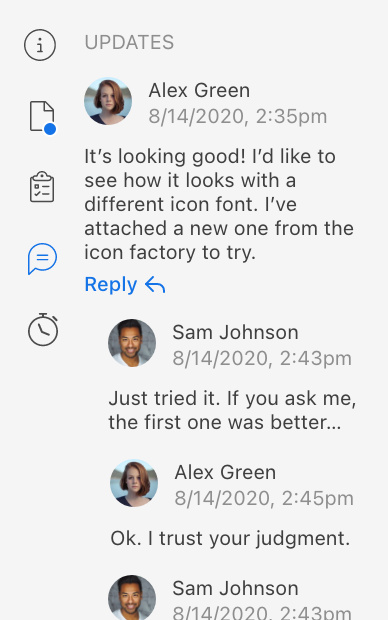
In trying to preserve familiarity with the web app, I clung to a vertical tab arrangement which ate up valuable horizontal space and created weird nav/content associations. It was ok to break with familiarity in this case.
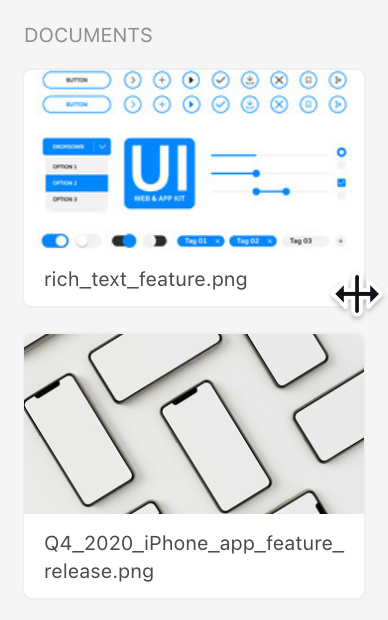
The plugin window is resizable, but it was hard to know how much to optimize for that. I learned the default smallest width was overwhelmingly common. Creatives prefer to maximize their canvas, not their plugins.
The Launch
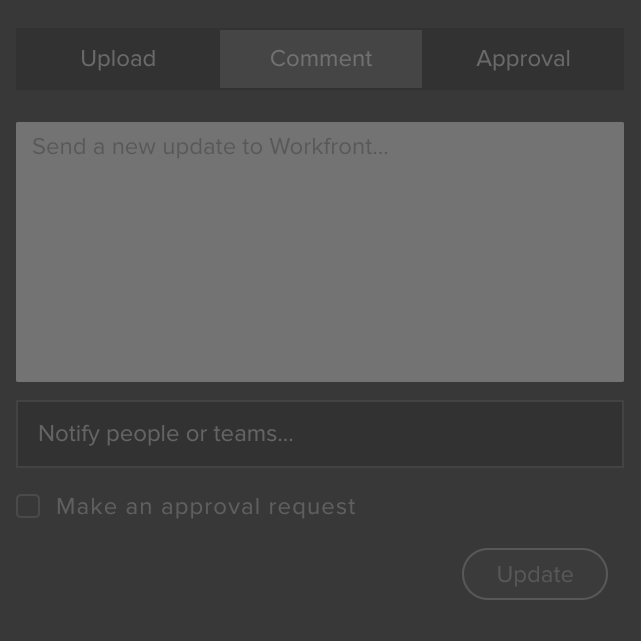
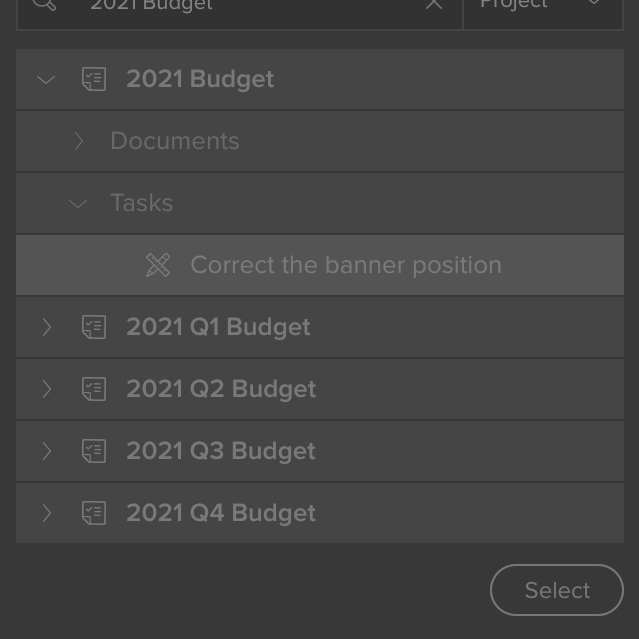
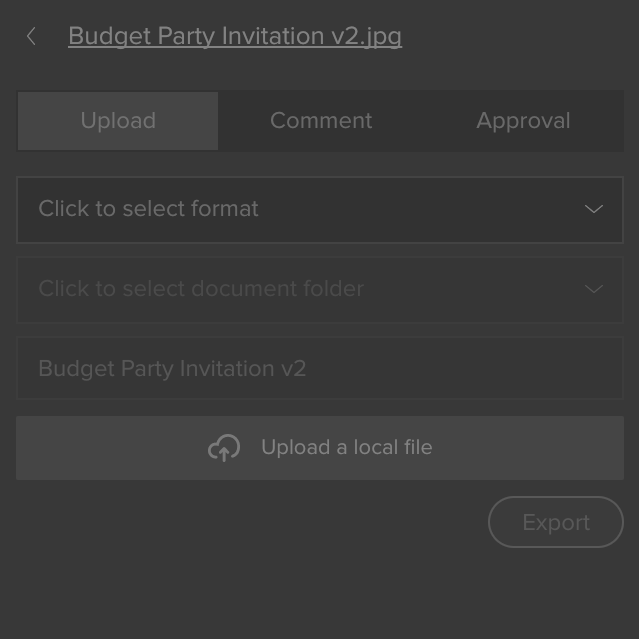
With those shortcomings corrected, our product was ready for its world-wide debut. We timed the launch to coincide with Adobe Summit — their major B2B conference in the Spring — where it got a lot of airtime. It continues to be promoted alongside Workfront on their website. Here’s a look at final screens for the major views in the plugin:
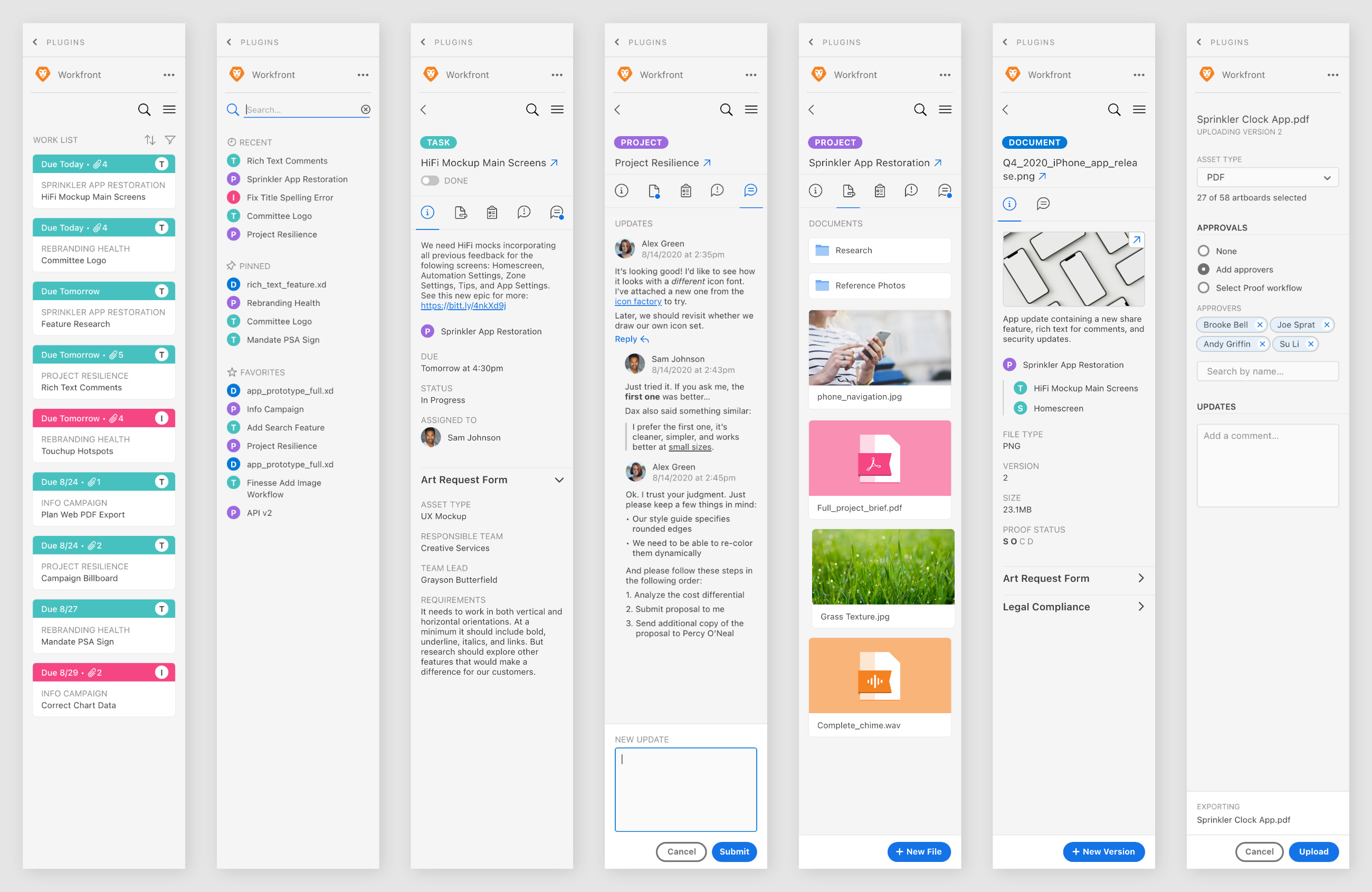
We kept close tabs on Adobe’s apps as they were updated in sequence to the new backend and had our plugin ready to go on day one. We also kept in touch with many of the customers we contacted as we began the project to follow up and get their reaction post-launch.
This is super, super cool stuff… What you’re doing is really, really good and really, really cool.
Shane, satisfied Workfront customer
Looking across my career, this is the project I point to that best proved the process. Nothing has ever “followed the formula” quite as well as this one. It was a pivotal moment for me. My relationship with the PM and development team were tight, full of trust. The research phase was robust with invested customers who wanted to be involved at every phase. And I’m proud to say that as a team, we managed to fulfill all of our initial objectives.

Catalyst
Back-end system deprecation
The plugin was launched as each app was updated: XD, Photoshop, Illustrator, After Effects, etc.
Business Reason
Forge tighter bonds with Adobe
Well, we were acquired by Adobe shortly after we launched. I’ll just go ahead and take full credit for that.
Customer Need
Reduce inefficient context switching
Received an overwhelmingly positive response. Creatives saw huge reduction in need to leave the app.
A Bonus or Two
In order to gel with pro creative apps and the variety of preferences of their users, I got to design for both light and dark color spaces with this project.

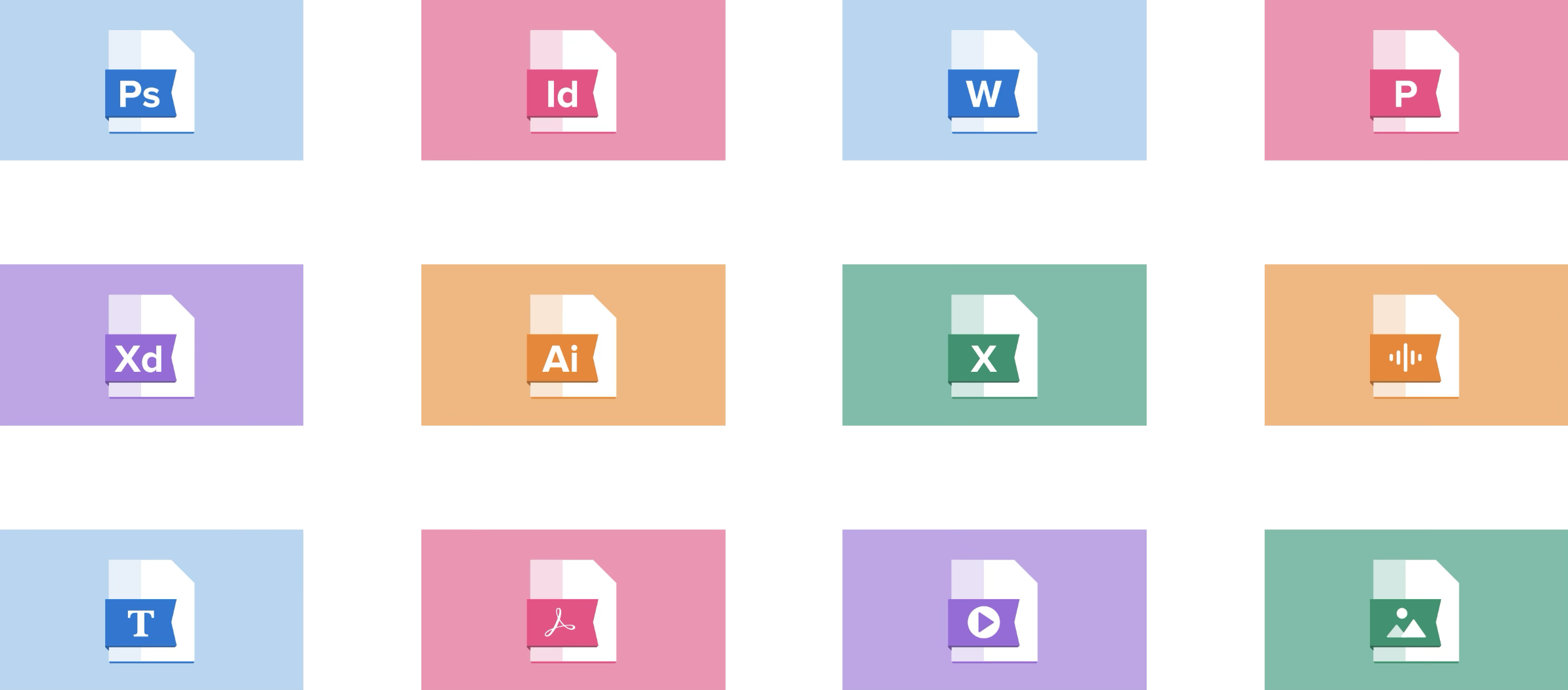
As a sub-product, most of my work was downstream of the broader work on the Workfront application. But alongside some of my research findings, another area my work had an upstream impact on Workfront was a collection of placeholder illustrations I did for various filetypes when the system was unable to generate a preview. The Workfront team liked them enough that they made changes to incorporate them in the main application as well.
My Contributions, Itemized
- Research, primarily customer calls, in partnership with my Product Manager
- Early UX ideation, sketching and feedback gathering
- Interface design to include desktop features in a compact plugin space
- Blending the Workfront and Creative Suite design systems for familiarity and usability
- Engaged principles of design, primarily typography, hierarchy, contrast and color theory
- Asset design including icons and illustrations
- Created final production-ready interactive prototypes
- Employed front-end development skills for shipping plugin animations, and fully app-embedded prototype for user testing
- Interfaced with and provided feedback to engineers for design fidelity